
How to Turn Directory Visitors into Real Customers
· By LocalBizUS
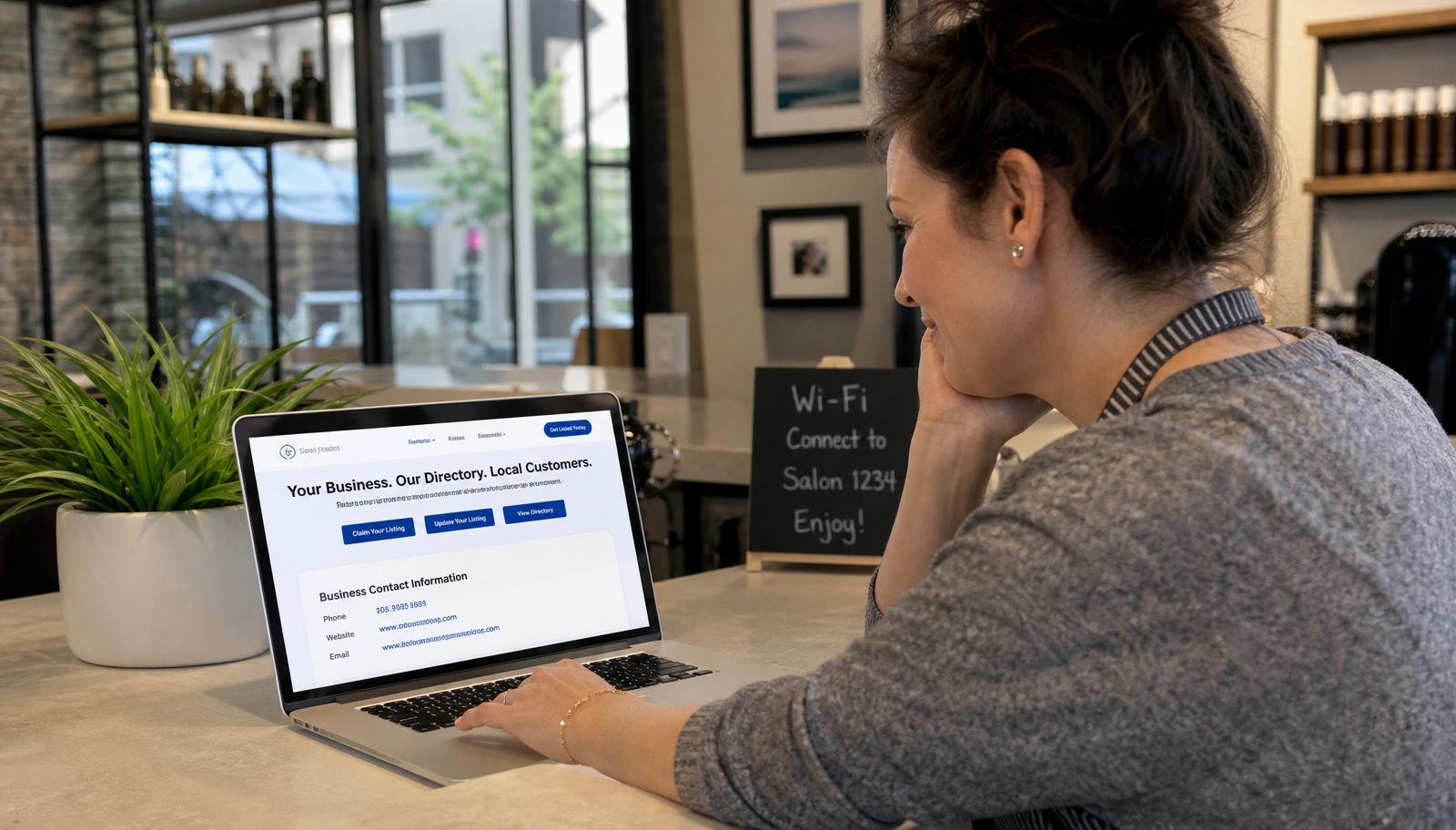
Your listing gets views — so why is the phone still quiet?
It is a familiar frustration for small business owners. You have claimed your spot in a few directories. You see impressions and clicks in the stats. But the calls are sparse, the messages are rare, and the foot traffic never quite materializes. Getting found is only half the job. The real goal is turning that visitor into a customer who calls, books, or walks through your door.
The good news is that a few simple changes to your photos, wording, and calls-to-action can dramatically improve results. You do not need a marketing degree or a big budget. You just need to look at your listing the way a ready-to-buy customer does, and fix the gaps that make them hesitate. This guide will show you how.
What Makes a Listing "Work"?
A high-performing listing quickly explains what you do, who you serve, where you are, and how to take the next step. It answers questions before the customer even has to ask. That means clear descriptions, accurate contact details, current hours, and photos that show the real business — not a generic placeholder.
It also looks trustworthy and active. Accurate info, clear photos, and recent reviews all signal that this business is open, engaged, and ready for new customers. Your goal is not just views. It is calls, messages, bookings, and visits.
Write a Listing That Answers Real Questions
Many listings fail because they sound generic. Phrases like "We offer quality service" do not tell anyone what you actually do or why they should choose you. A customer skimming five similar listings will skip the vague one every time. Your description should answer the questions running through their head in the moment they are deciding.
- What exactly do you offer?
- Who do you serve — families, businesses, certain neighborhoods?
- Where do you work — city, area, or service radius?
- What makes you different from the next listing?
- What should someone do next — call, book, visit?
Here is a quick before-and-after example:
Weak: "We offer quality plumbing service. Call us today."
Strong: "Need fast, reliable plumbing in Phoenix? We handle same-day repairs, water heater installs, and drain cleaning for homeowners and small businesses across the valley. Call now for a free estimate."
Use Photos That Build Instant Trust
Customers often glance at photos first to decide whether to click, call, or keep scrolling. The right images answer questions in milliseconds. Are you open? Do you look professional? Will I feel welcome there?
- Exterior shot: Help people recognize your location from the street.
- Interior shot: Show a clean, welcoming space that matches what you promise.
- Team photo: Put a face to the business so customers feel they know you before they meet you.
- Product or "in action" shot: Show your work, your food, your finished project, or your service in progress.
Good lighting and authenticity matter more than perfection. Even smartphone photos can work if they feel real. A genuine image of your actual storefront or team beats a polished stock photo every time.
Highlight Reviews and Social Proof
As we covered in our guide to using online reviews to win more local customers, reviews and ratings heavily influence click-through and conversion when someone is comparing similar listings side by side. A profile with recent, detailed praise simply looks more trustworthy than one with silence.
- Encourage happy customers to leave reviews on LocalBizUS.
- Respond to reviews so visitors see you are active and engaged.
- Reference common praise — like "fast service" or "family-friendly" — in your description so the message is consistent.
Make the Next Step Obvious
Visitors should never wonder "What do I do now?" Every listing should guide them toward one clear action. The easier you make it, the more likely they are to follow through.
- Double-check that your phone number is correct and clickable.
- Add a direct link to your website or booking page.
- Include a clear call-to-action phrase in your description, like "Call today for a free estimate" or "Book your appointment online."
- Keep your hours and service areas up to date so no one arrives to a closed door.
Your 20-Minute Listing Tune-Up
You do not need a full afternoon to make a meaningful improvement. Set a timer for twenty minutes and focus on the highest-impact changes.
- Read your listing as if you were a new customer and note what is missing or confusing.
- Rewrite your main description to clearly answer the five key questions above.
- Replace or upload at least three fresh photos — exterior, interior, and one action shot.
- Add or refine your call-to-action text so the next step is unmistakable.
A single focused session can significantly increase responses. The businesses that convert best are often the ones that simply make it easiest to say yes.
How LocalBizUS Helps You Turn Views into Customers
LocalBizUS provides a clean, complete profile where accurate info, photos, reviews, and calls-to-action all live in one place. Visitors do not have to hunt for details or guess what you do. Everything they need to make a decision is right there, presented in a format built for busy, mobile-first shoppers.
It is also easy to keep your LocalBizUS listing consistent with what is on Google and your business website. Consistency builds trust with both customers and search engines, which means better visibility and better conversion over time.
The best results come from combining a strong LocalBizUS profile with the habits in our Local SEO checklist, our guide to fixing common listing mistakes, and our tips for winning customers through reviews. Together they turn a basic listing into a genuine growth tool.
Claim or update your LocalBizUS listing today, then spend twenty minutes using this tune-up checklist. Turn a basic listing into a clear, inviting profile that prompts customers to call, click, or walk through the door. Your next customer is already looking — make sure they find a business worth choosing.
Want to be discovered locally? List your business on LocalBizUS.