
A LocalBizUS community
Mobile Menus Now
Local menus. Real photos. Shared by the community.
How to share a menu
Four quick steps, straight from your phone.
- Step 1
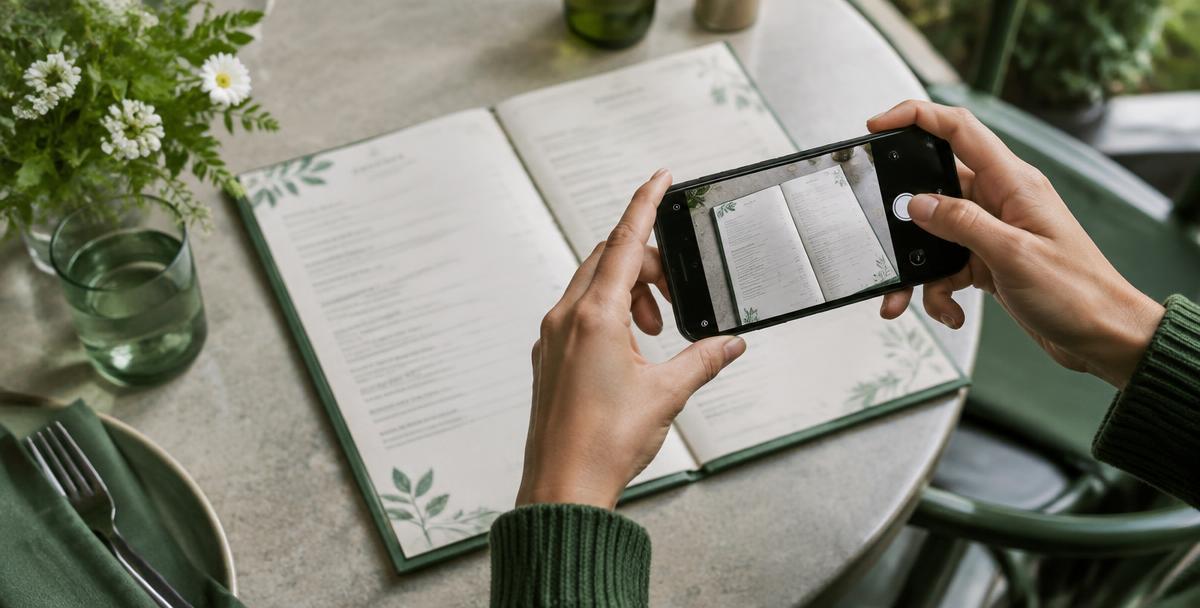
Take the photo
Lay the menu flat and hold your phone above it so the whole page is in frame. Keep glare and shadows off the text.
- Step 2
Find the business
Search for the restaurant or service it belongs to. Not listed yet? Just type its name and city.
- Step 3
Label it
Give it a title such as lunch menu or service prices, pick the menu type and the day you took the photo.
- Step 4
Send for review
We check it belongs to the business. Once approved it appears in the gallery for everyone to see.
A photo submission contest is planned
We’re planning a future Mobile Menus Now image submission contest. It hasn’t started yet; dates, rules and any prizes will be announced once confirmed.
User-submitted photos. Prices and availability may have changed; confirm with the business.