
Mobile Menus Now: A Practical Guide to Sharing Useful Local Menus
· By LocalBizUS
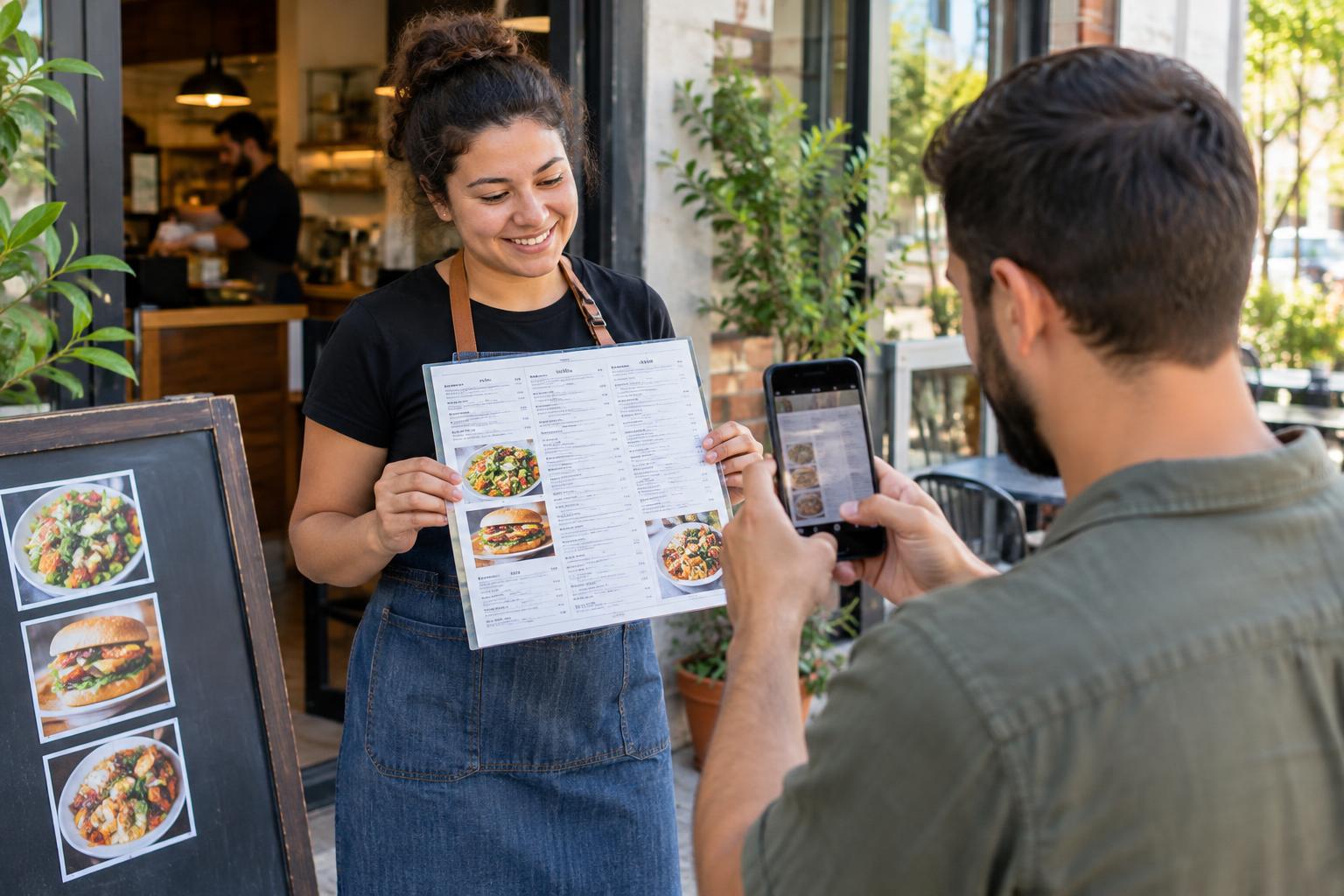
Editorial draft for LocalBizUS.
A restaurant menu can answer a simple question: is this somewhere we want to eat? A service list can help someone understand what a nearby business offers before making a call. But that information is only useful when people can find it and read it.
Mobile Menus Now gives local customers a place to browse community restaurant menus and service price lists. Signed-in contributors can submit photos for review, helping make information from local businesses easier to explore.
For small-business owners, the practical value is straightforward: clearer information helps customers ask better questions. For neighbors sharing photos, the goal is not promotion. It is contributing something legible, relevant, and useful.
What Mobile Menus Now Does
Mobile Menus Now is part of LocalBizUS, a US local-business directory with free listings, descriptions, photos, and contact information. It provides a way to browse community restaurant menus and service price lists.
Contributors sign in to submit one or multiple photos for review. They can view their own submissions and review status. Once approved, photos appear grouped by business and in a separate listing gallery. They do not replace the listing’s main image.
If a business is not listed, the contributor provides its name and city. An admin then completes or links the listing. Submitting photos never grants ownership of a business listing. Sharing a helpful image and controlling a business’s information are separate things.
Start With the Question a Customer Needs Answered
A useful menu photo should help someone understand the options, not leave them guessing about missing sections. Before taking a picture, consider what another person would need to see.
- For a restaurant: Capture section headings, item descriptions, and any printed notes that explain the menu.
- For a service business: Include service names and descriptions so readers can distinguish between similar offerings.
- For a multipage menu: Photograph each relevant page rather than only the cover or one small section.
For example, a close-up of a single dish description may be readable but provide little context. A clear photo of the full section helps someone understand the surrounding choices. If the full page makes the text too small, use several closer photos with enough overlap to preserve context.
Take Photos People Can Actually Read
You do not need elaborate equipment. A steady phone, good light, and a quick check before submitting can make the difference between a helpful contribution and an unreadable image.
- Choose an appropriate copy. Photograph a menu or service list intended for customers, and ask before moving displays or photographing something that is not clearly public.
- Keep the camera square to the page. A steep angle can make the bottom lines difficult to read.
- Watch for glare and shadows. Adjust your position so reflections do not hide text on laminated pages.
- Keep related details together. Avoid cutting off headings, descriptions, or conditions printed beneath a section.
- Inspect the image. Zoom in and check the smallest text before submitting.
Keep faces, receipts, payment cards, and other personal information out of the frame. The menu should be the subject, not the customers sitting beside it.
Submit to the Right Business
Before submitting, check the business name and location carefully. Similar names can cause confusion, and different locations may offer different menus or services.
Sign in and submit the relevant photo or photos for review. You can check your own submissions and their review status afterward. Submission is not the same as approval, so do not assume an image is publicly visible immediately.
If the business is unlisted, provide its name and city rather than selecting a similarly named business elsewhere. The admin handles completing or linking the listing.
Treat Photos as a Starting Point, Not a Promise
Prices and availability may change; confirm with the business. A menu image records information from a particular moment. It cannot establish that every item or service is still available.
Customers should contact the business when a specific offering matters to their plans. Business owners can help by keeping customer-facing menus clear and checking whether the information people encounter still reflects what they offer.
This is also a useful reason to review your broader online presence. Our guide to local listing mistakes covers other information gaps that can confuse potential customers.
Make Useful Information the Priority
For owners, start with the menu or service list you already provide to customers. Check that headings are understandable and descriptions make sense without an employee standing nearby to explain them.
That same approach can improve other material you share online. For more practical starting points, see simple content ideas for local businesses. Helpful content often begins with answering an ordinary customer question clearly.
Final Checklist Before You Share
- Confirm the business name and city.
- Choose a customer-facing menu or service list.
- Capture all relevant pages and explanatory notes.
- Check for blur, glare, missing text, and personal information.
- Sign in and submit photos for review.
- Check your submission’s review status rather than assuming approval.
- Remember that contributing photos does not grant listing ownership.
- Confirm current prices and availability directly with the business.
Want to be discovered locally? List your business on LocalBizUS.